IPTV on Fire TV Stick - Install TiviMate or IPTV Smarters in 5 Minutes
Key takeaway
To install IPTV on a Fire TV Stick: turn on developer options, install the Downloader app from the Amazon Appstore, allow it to install apps, then install TiviMate or IPTV Smarters Pro and add your Xtream Codes login. It takes about 5 minutes.
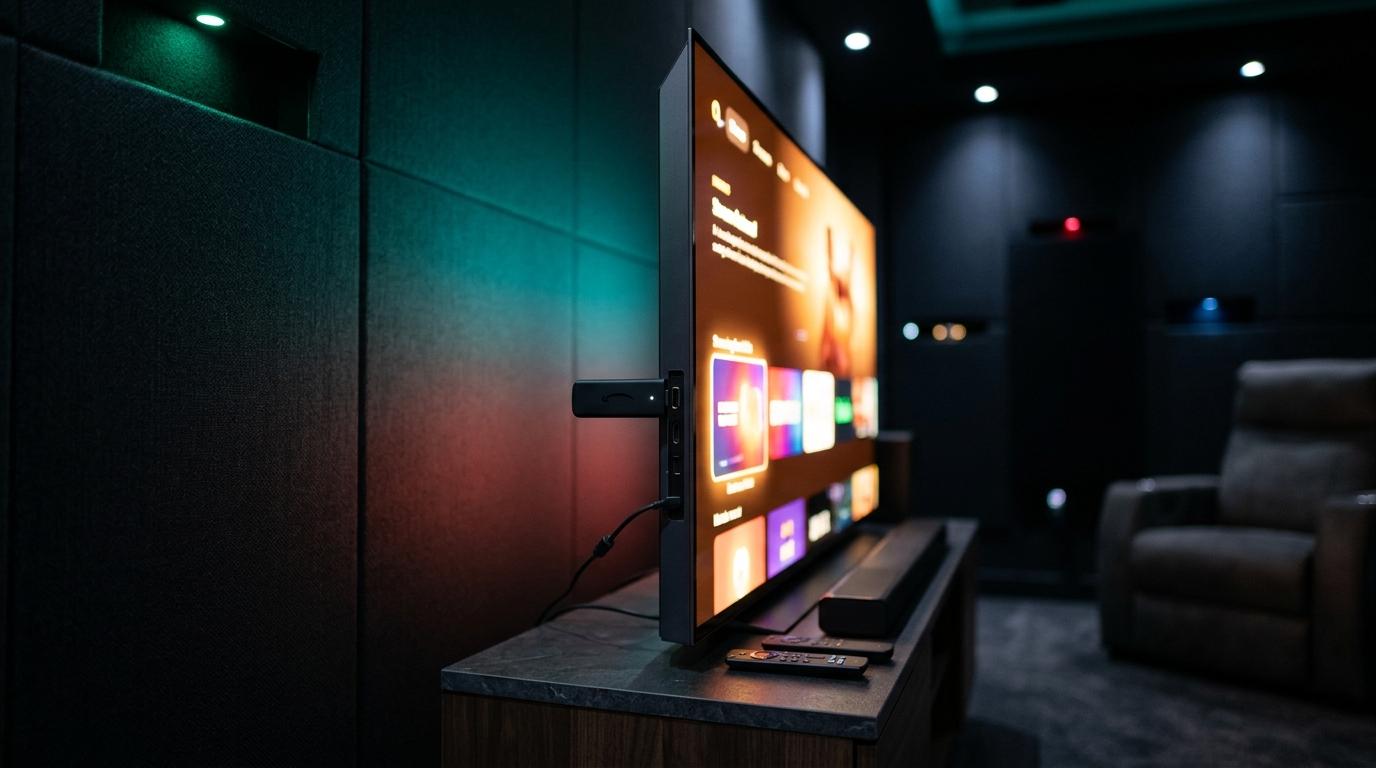
The Amazon Fire TV Stick is the cheapest way to turn any TV with an HDMI port into an IPTV player. The only tricky part is that the best IPTV apps aren't in the Amazon Appstore, so you install them with a small app called Downloader. Here is every step, in order.
Which Fire TV Stick should you choose for IPTV?
| Model | Max quality | Good for |
|---|---|---|
| Fire TV Stick (HD) | 1080p | HD TVs and bedrooms |
| Fire TV Stick 4K | 4K | Most 4K TVs |
| Fire TV Stick 4K Max | 4K | The smoothest experience, Wi-Fi 6E |
| Fire TV Cube | 4K | Built-in Ethernet port, fastest menus |
For a 4K TV, the Fire TV Stick 4K Max is the best value. If your router is far from the TV, the Fire TV Cube's Ethernet port avoids Wi-Fi drops (an Ethernet adapter also works on the sticks).
What you need
- A Fire TV Stick connected to your TV and to the internet.
- Your IPTV login: Xtream Codes (username, password, server URL) or an M3U link, from your Kemo IPTV plan or free trial.
- About 5 minutes.
Step 1: turn on developer options
On recent Fire OS versions, developer options are hidden until you unlock them.
- 1Go to Settings > My Fire TV > About.
- 2Select your device name (for example Fire TV Stick 4K) 7 times in a row, until a message says you are a developer.
- 3Go back: Developer Options now appears in My Fire TV.
Step 2: install the Downloader app
- 1From the home screen, search for Downloader and install it from the Amazon Appstore. It's free and made by AFTVnews.
- 2Go to Settings > My Fire TV > Developer Options > Install unknown apps.
- 3Turn it On for Downloader.
Only download from official sources
In Downloader, type the address of the app's official website. Avoid modified versions shared on forums: they can contain malware.
Step 3: install TiviMate or IPTV Smarters Pro
Open Downloader, type the official download address of the app you chose, and install it when the download finishes. TiviMate is available from the official TiviMate website.
TiviMate or IPTV Smarters Pro?
| TiviMate | IPTV Smarters Pro | |
|---|---|---|
| Interface | Cable-style TV guide, very fast | Simple menus: Live, Movies, Series |
| Price | Free, Premium unlocks multiple playlists and recording | Free |
| Best for | Live TV and sports fans | Beginners and movies/series |
Both work perfectly with a Kemo IPTV subscription. See our comparison of the best IPTV apps if you want more options.
Step 4: add your login
In TiviMate
- 1Open TiviMate and choose Add playlist.
- 2Select Xtream Codes.
- 3Enter the server URL, username and password, then Next.
- 4TiviMate loads the channels and the TV guide: choose Done.
In IPTV Smarters Pro
- 1Open the app and choose Login with Xtream Codes API.
- 2Enter any playlist name, then your username, password and URL.
- 3Select Add user: live TV, movies and series appear.
Watch tonight's game in 4K
Try it free on your own TV first, then keep it from $5.42 a month on the 12-month plan.
- Activation in minutes
- 24/7 WhatsApp support
- 22,000+ live channels
- 7-day refund policy
Settings for a smooth picture
- Restart the stick once a week (Settings > My Fire TV > Restart) to free up memory.
- Uninstall apps you don't use: the stick has limited storage.
- Use 5 GHz Wi-Fi or an Ethernet adapter rather than 2.4 GHz.
- Choose the right channel quality: if 4K buffers, switch to FHD.
Common Fire TV Stick problems
| Problem | Fix |
|---|---|
| Developer Options missing | Select the device name 7 times in Settings > My Fire TV > About |
| App won't install | Check that Install unknown apps is On for Downloader |
| Buffering | Restart the stick, switch to 5 GHz Wi-Fi or a lower quality |
| Login error | Re-enter the URL with http:// and the port number |
Want to use IPTV on several TVs? Each Fire TV Stick needs the app and your login, and a multi-screen plan lets them play at the same time.
Frequently asked questions
Can I install IPTV on a Firestick without Downloader?
Some apps such as IPTV Smarters Pro are sometimes available in the Amazon Appstore, depending on your region. For TiviMate and most others, Downloader is the simplest way.
What is a Downloader code?
A Downloader code is a short number that points to a download address. Typing the official website address of the app instead is safer, because you know exactly what you install.
Which Firestick is best for 4K IPTV?
The Fire TV Stick 4K Max is the best value for 4K. The Fire TV Cube is faster and has an Ethernet port, but costs more.
Is TiviMate free on Firestick?
TiviMate is free to install. The Premium version, paid to the app developer, unlocks extras such as multiple playlists and recording.
Can I use the same subscription on two Firesticks?
Yes, install it on both. To watch on both at the same time, you need a 2-screen plan.
Ready to try it on your device?
Start with a free trial, or choose a plan from $5.42 a month.