IPTV on an LG TV - Apps and Setup on webOS
Key takeaway
To watch IPTV on an LG TV, install IPTV Smarters Pro, SS IPTV, Smart IPTV or IBO Player from the LG Content Store, then add your Xtream Codes login or M3U link. No box is needed on webOS TVs from 2018 onwards.
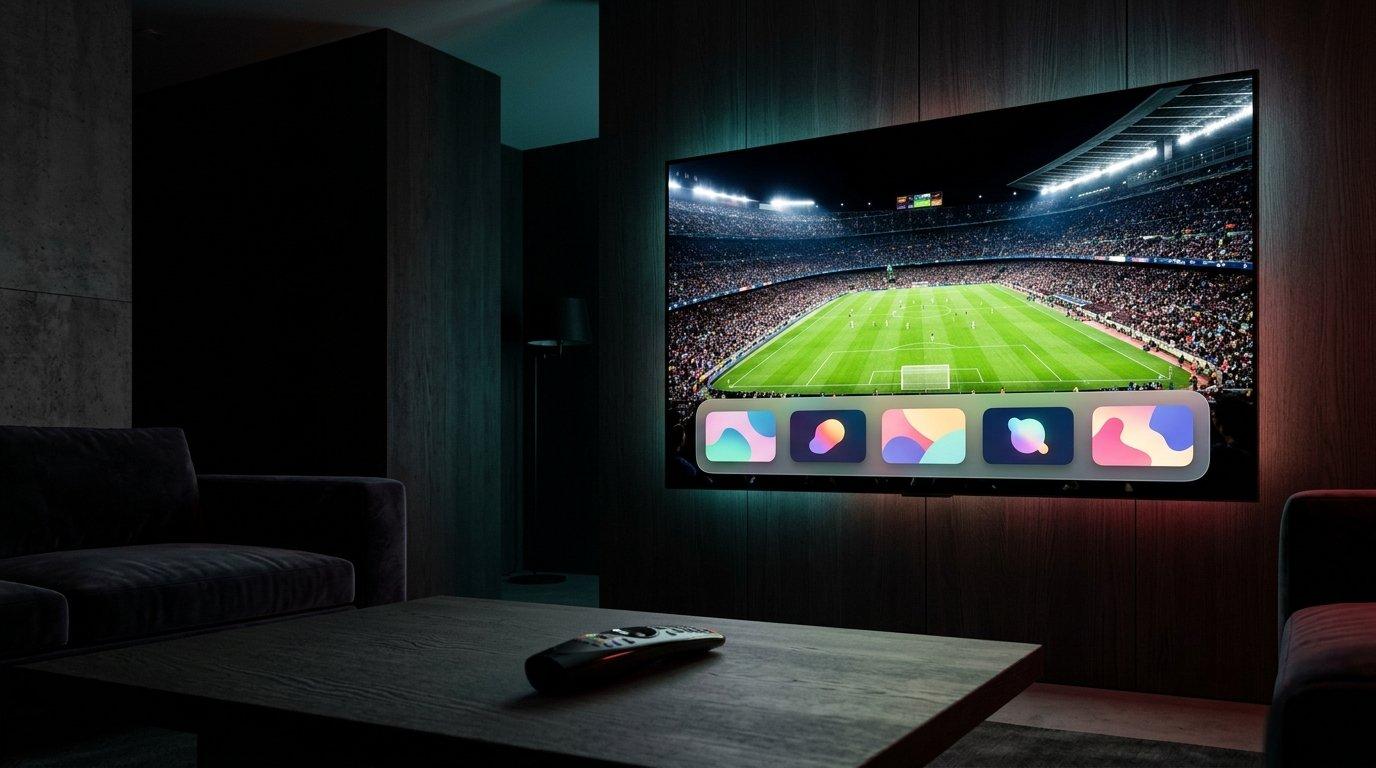
LG Smart TVs run webOS, a fast system that handles IPTV apps well. Like Samsung, LG doesn't allow Android APK files, so you choose from the apps in the LG Content Store. Here's how to set them up and get a smooth picture. Comparing brands? Our Smart TV guide covers Samsung and LG together.
Is your LG TV compatible?
LG TVs running webOS 4.0 or later (models from 2018 onwards) run IPTV apps without problems. Check your version in Settings > General > About This TV.
IPTV apps available on LG
| App | Price | How you add your login |
|---|---|---|
| IPTV Smarters Pro | Free | Xtream Codes typed on the TV |
| SS IPTV | Free | M3U link added online with a code |
| Smart IPTV | One-time fee after a trial | M3U uploaded with the MAC address |
| IBO Player | Paid after a trial | Playlist added on its website |
TiviMate isn't available on LG: it only runs on Android-based devices. If you want it, add a Fire TV Stick or an Android TV box (see the best IPTV boxes).
Install the app from the LG Content Store
- 1Press Home on the remote and open the LG Content Store (or Apps on newer models).
- 2Search for the app name.
- 3Select Install, then open the app from the home screen.
Add your login
With IPTV Smarters Pro
Choose Login with Xtream Codes API and enter your username, password and server URL. The channels, movies and series load automatically.
With SS IPTV
Open the settings, generate a connection code, then add your M3U link on the SS IPTV website with that code.
With Smart IPTV or IBO Player
Note the MAC address shown in the app, then add your playlist on the Smart IPTV or IBO Player website.
webOS features that help with IPTV
- Magic Remote pointer: much faster for typing a login than arrow keys.
- Quick Start+: keeps apps ready so IPTV opens in seconds.
- Picture modes: the Sports mode suits live games; turn off TruMotion if motion looks unnatural.
Watch tonight's game in 4K
Try it free on your own TV first, then keep it from $5.42 a month on the 12-month plan.
- Activation in minutes
- 24/7 WhatsApp support
- 22,000+ live channels
- 7-day refund policy
Which subscription for an LG TV?
Any plan works on an LG TV. One TV needs one screen; if others watch elsewhere at the same time, pick a multi-screen plan. At Kemo IPTV, one screen starts at $32.99 for 3 months; see all plans and prices.
Settings for a smooth picture on LG
- Use an Ethernet cable or 5 GHz Wi-Fi.
- Pick the FHD version of a channel if 4K stutters.
- Keep webOS up to date in Settings > General > About This TV > Check for updates.
If it doesn't work
| Problem | Fix |
|---|---|
| App won't open | Update webOS, then reinstall the app |
| Login rejected | Re-enter the details exactly, with http:// and the port |
| Buffering in the evening | Use Ethernet or a lower quality |
| App missing from the store | Try another app, or add a Fire TV Stick |
LG Support helps with TV software, and our installation guide and FAQ cover the rest.
Frequently asked questions
Which IPTV app should I install on an LG TV?
IPTV Smarters Pro is the easiest: it's free and you type your login on the TV. SS IPTV is a good free alternative.
Do I need a box for IPTV on an LG TV?
No, not on webOS TVs from 2018 onwards. A box is only useful on older models or if you want TiviMate.
Can I install TiviMate on an LG TV?
No. TiviMate only runs on Android-based devices such as a Fire TV Stick or an Android TV box.
Can I install an APK on an LG TV?
No. LG TVs run webOS and only install apps from the LG Content Store.
Does IPTV work in 4K on an LG TV?
Yes, on a 4K LG TV with a connection of about 25 Mbps or more, ideally wired.
Ready to try it on your device?
Start with a free trial, or choose a plan from $5.42 a month.
Read next

IPTV on a Smart TV - Which App to Use and How to Set It Up
IPTV on Fire TV Stick - Install TiviMate or IPTV Smarters in 5 Minutes
IPTV Smarters Pro Subscription - How to Activate It and Use the App

Best IPTV App for Samsung TV in 2026 - Install and Set Up (Tizen)