Multi-Screen IPTV - Watch on Several TVs at the Same Time
Key takeaway
A multi-screen IPTV plan lets 2, 3 or 4 devices play at the same time with one subscription. Count the screens that may be on at once, not the devices you own. At Kemo IPTV, 4 screens cost $139.99 for 6 months or $199.99 for 12 months.
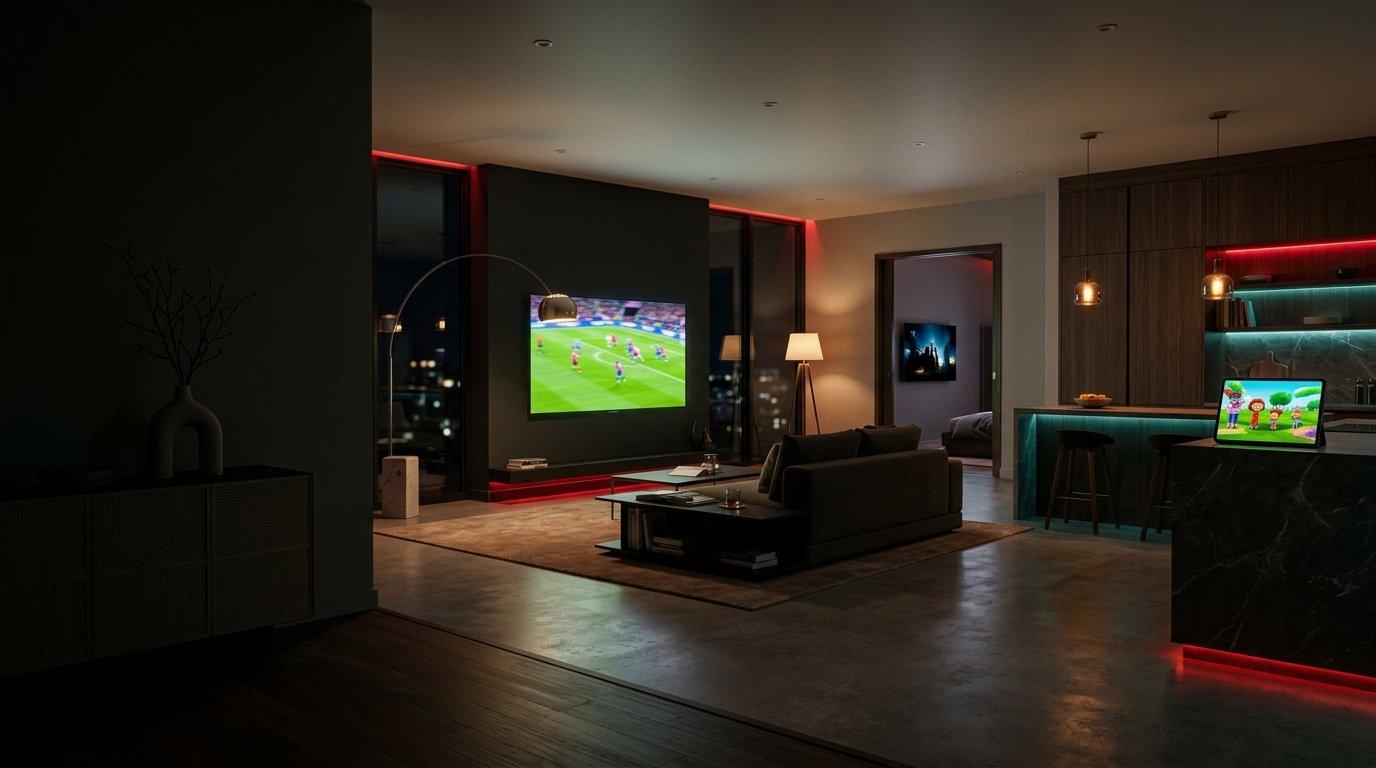
The game in the living room, a series in the bedroom, cartoons on the tablet: as soon as two people watch at the same time, a single-screen subscription isn't enough. Here's how multi-screen plans work and how to choose the right one.
Why one subscription isn't always enough
A 1-screen plan allows one stream at a time. You can install it on every device in the house, but if a second device starts playing, one of them stops.
How a multi-screen plan works
A multi-screen plan raises the limit to 2, 3 or 4 streams at once, all with the same channels, movies and series. You install the same login on each device, and they can all play together.
How many screens should you choose?
| Household | Screens at the same time | Plan |
|---|---|---|
| Single person, one TV | 1 | 1 screen |
| Couple, a TV and a phone | 2 | 2 screens |
| Family with two TVs and a tablet | 3 | 3 screens |
| Large family or shared home | 4 | 4 screens |
Count peak moments
Think about the busiest moment, such as Sunday afternoon during football season, not an average evening.
Multi-screen prices
| Plan | 3 months | 6 months | 12 months |
|---|---|---|---|
| 1 Screen | $32.99 | $49.99 | $64.99 |
| 2 Screens | - | $74.99 | $115.00 |
| 3 Screens | - | $109.99 | $159.99 |
| 4 Screens | - | $139.99 | $199.99 |
Longer plans cost less per month. All plans and the per-month price are on the pricing page.
Install the subscription on each device
- 1Install a player app on each device: see our guides for Smart TV, Fire TV Stick and iPhone.
- 2Add the same Xtream Codes login on each one.
- 3Start watching: up to your plan's number of screens can play at once.
Three example households
A couple with one TV and two phones
Two screens are enough: one on the TV, one on a phone. The second phone can watch when the TV is off.
A family with two TVs
Three screens cover both TVs plus a tablet for the kids, without anyone being cut off.
A large family or shared home
Four screens let everyone watch their own thing, from the game in the living room to a series upstairs.
Watch tonight's game in 4K
Try it free on your own TV first, then keep it from $5.42 a month on the 12-month plan.
- Activation in minutes
- 24/7 WhatsApp support
- 22,000+ live channels
- 7-day refund policy
Tips for several screens
- Check your bandwidth with Speedtest: plan about 10 Mbps per HD stream and 25 Mbps per 4K stream (Netflix recommends 15 Mbps or more for 4K).
- Wire the main TV with Ethernet; leave Wi-Fi for phones and tablets.
- Use the same app everywhere so everyone finds the same menus.
Common multi-screen problems
| Problem | Fix |
|---|---|
| One device stops when another starts | You've reached your plan's screen limit: upgrade or stop one stream |
| Everything buffers in the evening | Your connection is shared: lower the quality on secondary screens |
| One device can't log in | Check the details on that device; logins are case-sensitive |
Frequently asked questions
Can I use one IPTV subscription on 2 TVs?
Yes, you can install it on both. To watch on both at the same time, choose a 2-screen plan.
What happens if I go over my number of screens?
The extra stream won't start, or one of the running streams stops. Upgrade to a plan with more screens if it happens often.
How much does a 4-screen IPTV subscription cost?
At Kemo IPTV, 4 screens cost $139.99 for 6 months or $199.99 for 12 months.
Can I add a screen during my subscription?
Message our support team on WhatsApp: they'll explain the options for moving to a plan with more screens.
Do I need a special connection for several screens?
No, but it needs enough bandwidth: about 10 Mbps per HD stream and 25 Mbps per 4K stream.
Ready to try it on your device?
Start with a free trial, or choose a plan from $5.42 a month.
Read next

How to Choose an IPTV Subscription - 7 Things to Check (2026 Guide)
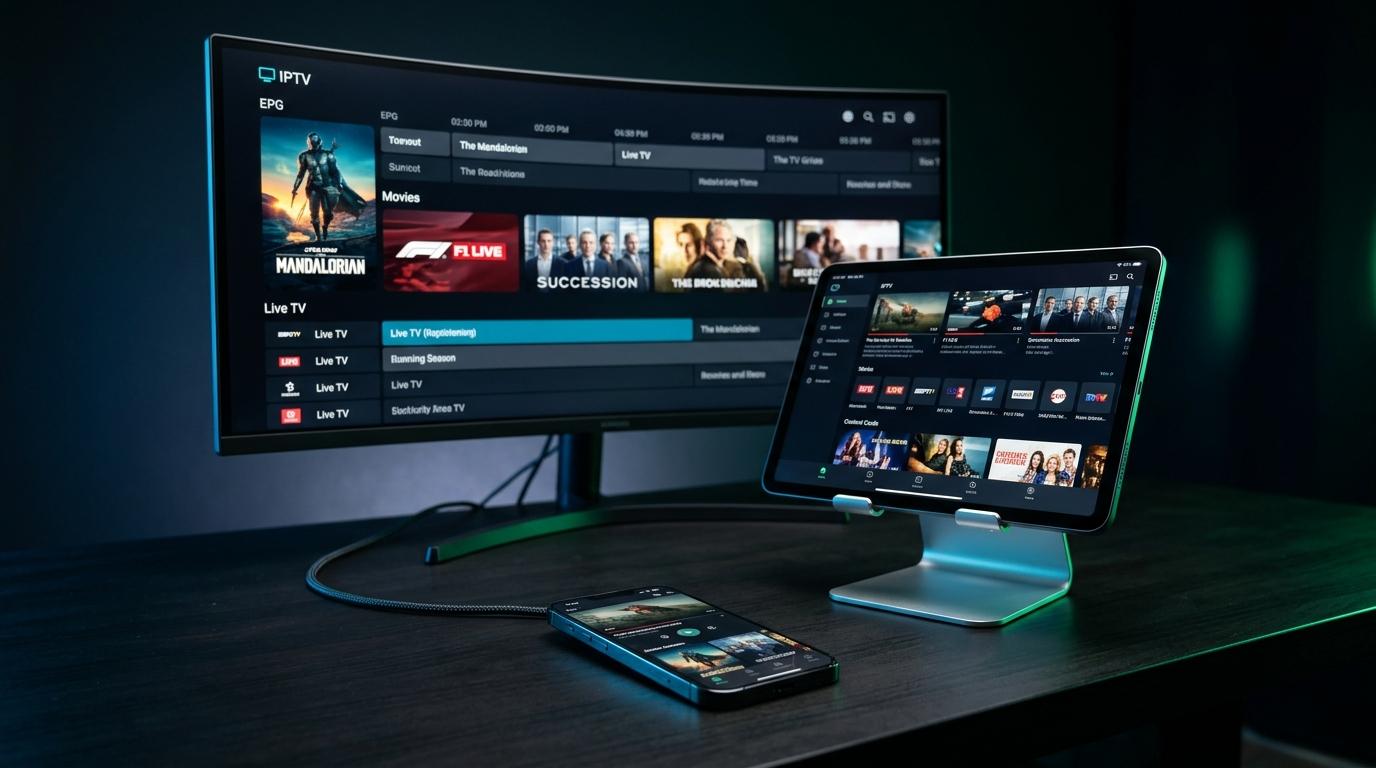
Best IPTV App in 2026 - TiviMate, Smarters, IBO Player Compared
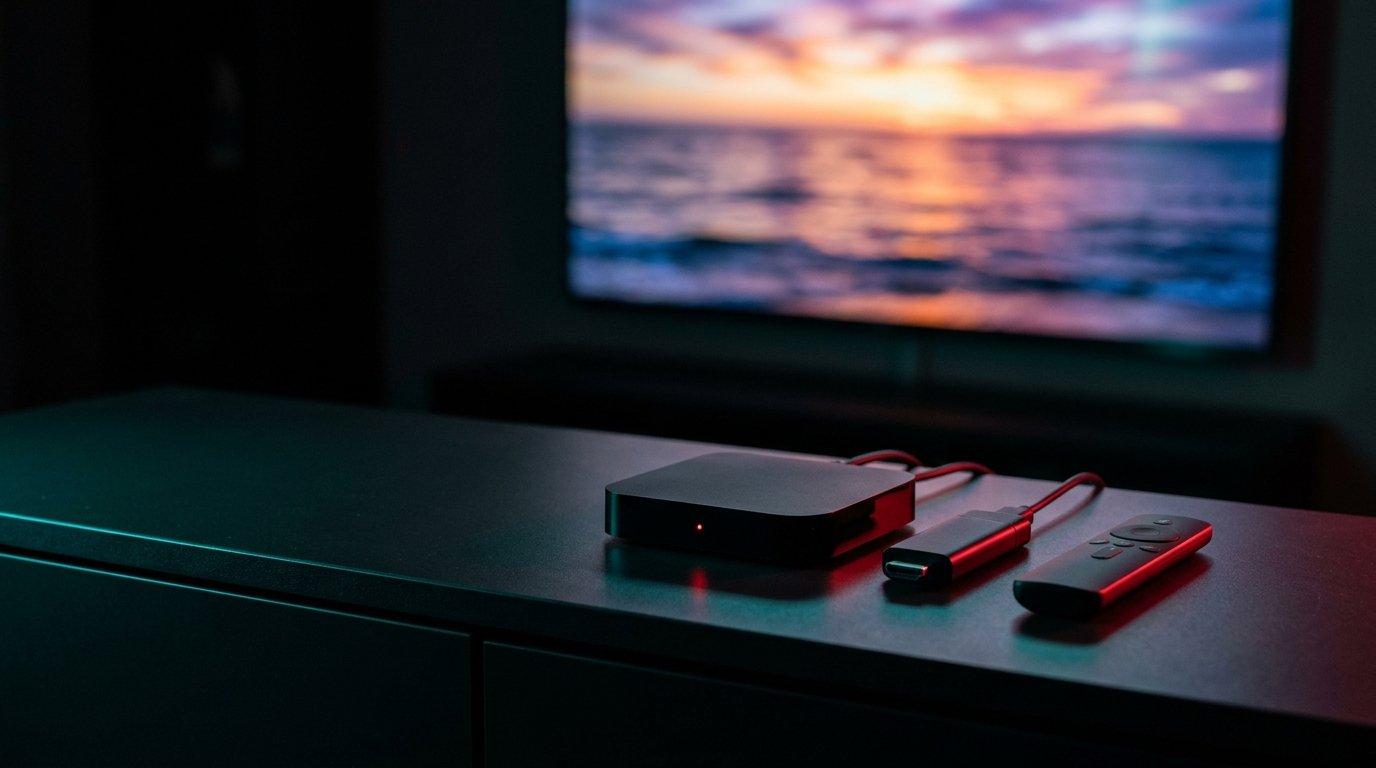
Best IPTV Box in 2026 - Which Android TV Device to Choose

IPTV on a Smart TV - Which App to Use and How to Set It Up