IPTV on iPhone and iPad - The Best Apps and How to Set Them Up
Key takeaway
To watch IPTV on an iPhone or iPad, install a player from the App Store such as IPTV Smarters Player Lite or GSE Smart IPTV, then add your Xtream Codes login or M3U link. Both work on Wi-Fi and on 5G or 4G.
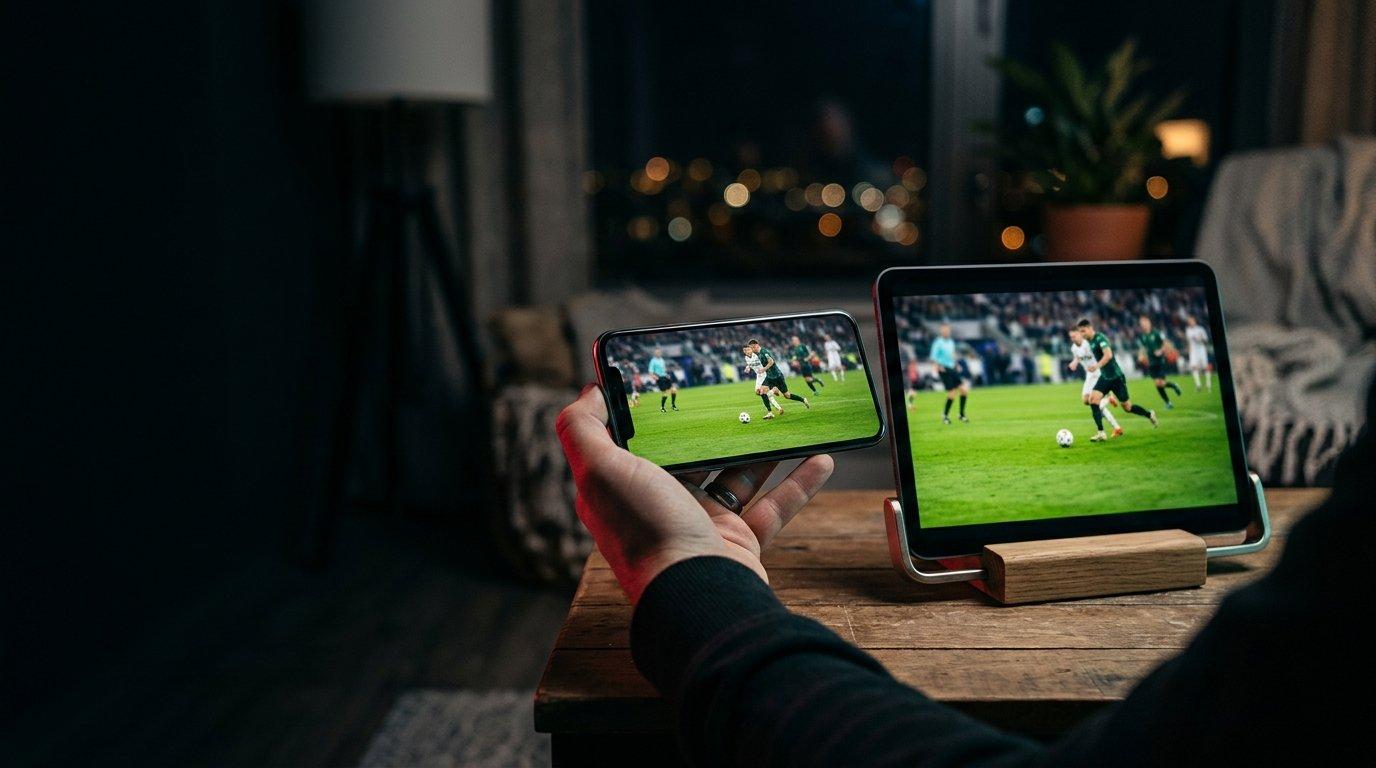
An iPhone or iPad turns your IPTV subscription into a portable TV: the game on the train, a series in bed, the news while traveling. Apple doesn't allow apps from outside the App Store, so here are the players that work well and how to set them up.
The best IPTV apps for iPhone
| App | Price | Login | Strength |
|---|---|---|---|
| IPTV Smarters Player Lite | Free | Xtream Codes or M3U | Same menus as on TV |
| GSE Smart IPTV | Free with in-app options | Xtream Codes or M3U | Many settings, AirPlay |
Which one should you choose?
Pick Smarters Player Lite if you already use IPTV Smarters on your TV: you'll find the same menus. Choose GSE Smart IPTV if you like to fine-tune playback settings.
Set up Smarters Player Lite
- 1Install IPTV Smarters Player Lite from the App Store.
- 2Open it and choose Xtream Codes API.
- 3Enter a playlist name, your username, password and server URL from your Kemo IPTV plan or free trial.
- 4Tap Add user: live TV, movies and series appear.
Set up GSE Smart IPTV
- 1Install GSE Smart IPTV from the App Store.
- 2Open the menu and choose Xtream Codes API (or Remote Playlists for an M3U link).
- 3Tap +, enter your details and save.
- 4Open the playlist to load the channels.
Copy, don't type
Copy your login from the message you received and paste it into the app. It avoids most typing mistakes, especially in the server URL.
5G, 4G or Wi-Fi?
IPTV works on mobile data, but watch your data plan: an hour of HD uses roughly 1.5 to 3 GB, in line with Netflix's data usage figures. On Wi-Fi, there's no limit to worry about.
| Quality | Approximate data per hour |
|---|---|
| SD | 0.5 to 1 GB |
| HD | 1.5 to 3 GB |
| 4K | 7 GB or more |
Watching on the go
- Choose the HD version of a channel on mobile data to save data.
- Use AirPlay to send the picture to an Apple TV or AirPlay-compatible TV.
- Remember that a 1-screen plan plays on one device at a time: if someone is watching at home, you need a multi-screen plan.
Watch tonight's game in 4K
Try it free on your own TV first, then keep it from $5.42 a month on the 12-month plan.
- Activation in minutes
- 24/7 WhatsApp support
- 22,000+ live channels
- 7-day refund policy
Parental controls on iPhone and iPad
Both apps let you lock categories with a PIN. You can also limit the app itself with iOS Screen Time in Settings.
Common iPhone and iPad problems
| Problem | Fix |
|---|---|
| Login rejected | Paste the details again, including http:// and the port |
| Picture freezes on mobile data | Switch to the HD version or to Wi-Fi |
| No sound on some channels | Change the audio track in the player settings |
| App closes | Update iOS and the app, then restart the iPhone |
For TV setups, see our Smart TV guide and the installation guide.
Frequently asked questions
What is the best IPTV app for iPhone?
IPTV Smarters Player Lite for most people, especially if you use Smarters on your TV. GSE Smart IPTV is a good alternative with more settings.
Can I install TiviMate on an iPhone?
No. TiviMate only exists for Android-based devices. On iPhone, use Smarters Player Lite or GSE Smart IPTV.
Does IPTV work on 4G or 5G?
Yes. Choose the HD version of channels to save data: an hour of HD uses roughly 1.5 to 3 GB.
Can I watch IPTV on Apple TV?
Yes, with IPTV Smarters Player Lite from the App Store on Apple TV, or by sending the picture from an iPhone with AirPlay.
Are IPTV apps for iPhone free?
The players are free or offer optional paid features. The channels come from your IPTV subscription.
Ready to try it on your device?
Start with a free trial, or choose a plan from $5.42 a month.
Read next

IPTV on a Smart TV - Which App to Use and How to Set It Up
IPTV on Fire TV Stick - Install TiviMate or IPTV Smarters in 5 Minutes
IPTV Smarters Pro Subscription - How to Activate It and Use the App

Best IPTV App for Samsung TV in 2026 - Install and Set Up (Tizen)