How to Choose an IPTV Subscription - 7 Things to Check (2026 Guide)
Key takeaway
To choose an IPTV subscription, pick the one that stays stable on your own connection: test it free before paying, choose the right number of screens, compare the price per month and check that support answers quickly. At Kemo IPTV, one screen costs $32.99 for 3 months, or $5.42 a month on the 12-month plan.

IPTV offers all look alike at first: thousands of channels, 4K, every device. The differences show up after you pay: freezes during the game, support that never answers, a price that isn't what it seemed. These seven checks help you compare offers on what actually matters.
What is an IPTV subscription, exactly?
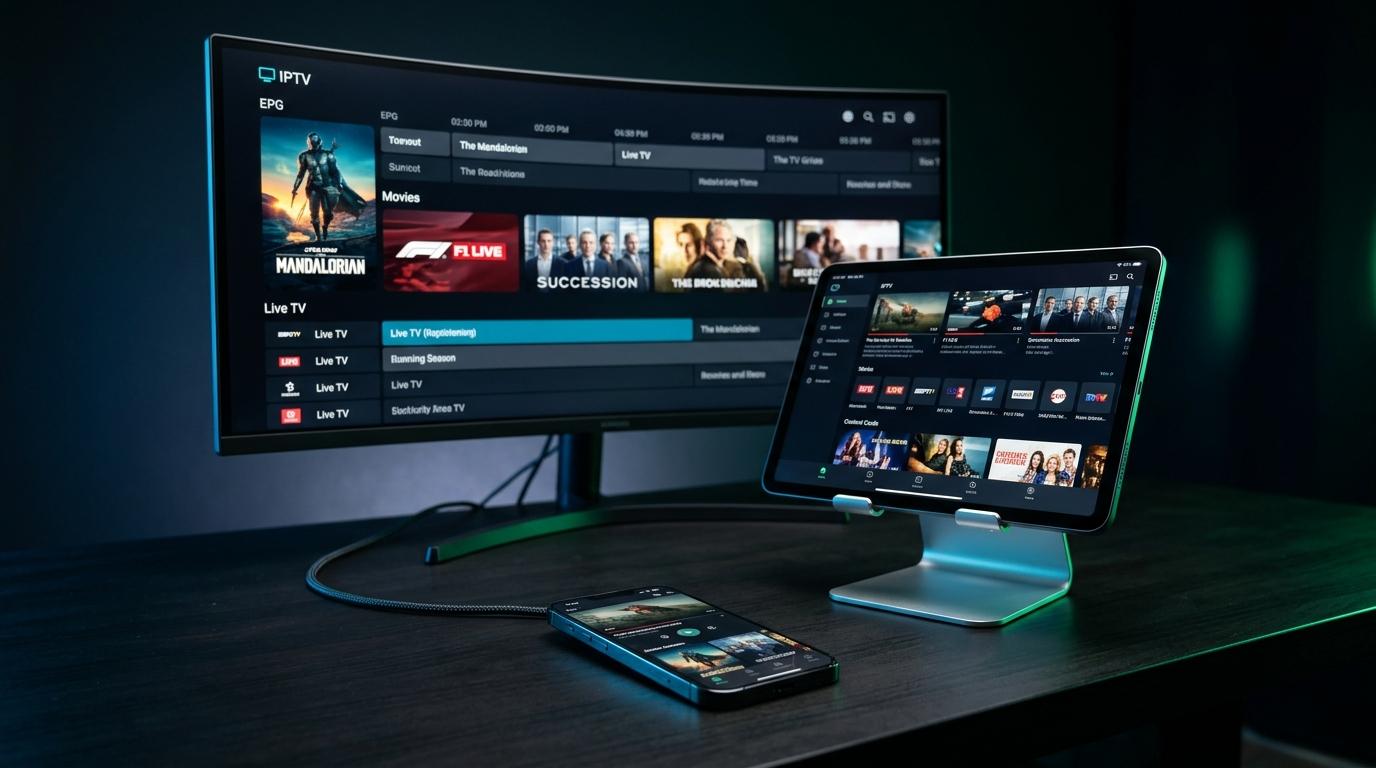
An IPTV subscription gives you access to live TV channels and on-demand movies and series over your internet connection, instead of cable or satellite. IPTV (Internet Protocol Television) is the technology; the subscription is the service that provides the streams.
You watch it through a player app (IPTV Smarters Pro, TiviMate, IBO Player…) on your TV, Fire TV Stick, phone or computer. The app is just the player: the channels come from the subscription.
1. A real free trial before you pay
The single best test is a free trial on your own TV and your own connection. Speed tests and promises mean little until you've watched a live game at the busiest time of the evening.
- Test a live sports channel in the evening, when networks are busiest.
- Check the channels you actually watch in the channel search.
- Open a movie and a series to check the on-demand catalog.
- Send a question to support to see how fast they answer.
Kemo IPTV offers a free trial so you can run these checks before buying anything.
2. The number of screens at the same time
One screen means one stream at a time. If two people in the house watch at once, you need a multi-screen plan, not two separate subscriptions.
Count the TVs, phones and tablets that may play at the same moment. Our guide to multi-screen IPTV helps you pick between 1 and 4 screens.
3. The length: the real price per month
Longer plans cost much less per month, so compare the monthly price, not the headline price.
| Kemo IPTV plan (1 screen) | Price | Per month |
|---|---|---|
| 3 Months | $32.99 | $11.00 |
| 6 Months | $49.99 | $8.33 |
| 12 Months | $64.99 | $5.42 |
A short plan is the safe way to start; once you're happy with the service, a 12-month plan costs a fraction per month. All plans are on the pricing page.
4. Support for your devices
A good subscription works on every common device through standard formats: Xtream Codes and M3U links. Check that the provider explains the setup for yours.
Our guides cover Smart TVs, Fire TV Stick, iPhone and iPad and PC and Mac, and the installation guide brings them together.
5. Support you can actually reach
When a channel stops five minutes before kickoff, an email answered two days later doesn't help. Look for support on a live channel such as WhatsApp, and test it during the trial.
6. Clear payment and refund terms
Before paying, read how payment works and what happens if the service doesn't work for you. Kemo IPTV publishes its refund policy, with a 7-day money-back policy when a technical problem can't be solved.
7. Realistic promises
Be careful with offers that promise everything: "zero buffering ever", lifetime plans for a few dollars, or hundreds of thousands of channels. Streaming quality also depends on your connection and your device, and no honest provider can guarantee it on every network.
A simple rule
If an offer can't be tested free first, or the price is far below everyone else's, assume the quality will be too.
Red flags to watch for
- No free trial, or a trial that requires payment details first.
- No way to reach a person before you pay.
- Lifetime subscriptions or prices that seem too good to be true.
- No published refund terms.
Compare two offers in one evening
- 1Request a free trial from each provider.
- 2Measure your connection with Speedtest or Fast.com at the same time of day.
- 3Watch the same live channel on both, at the same time, during a busy evening.
- 4Compare the price per month for the number of screens you need.
Watch tonight's game in 4K
Try it free on your own TV first, then keep it from $5.42 a month on the 12-month plan.
- Activation in minutes
- 24/7 WhatsApp support
- 22,000+ live channels
- 7-day refund policy
The quick checklist
| Check | What good looks like |
|---|---|
| Free trial | Available before payment, on your own device |
| Screens | Plans for 1 to 4 screens at the same time |
| Price per month | Clear, with longer plans cheaper per month |
| Devices | Xtream Codes and M3U, setup guides for each device |
| Support | Live channel such as WhatsApp, answers within minutes |
| Refunds | Published policy you can read before paying |
Still have questions? Read the FAQ, or if you sell IPTV yourself, see our reseller program.
Frequently asked questions
How do I choose an IPTV subscription?
Test it free on your own TV first, pick the number of screens you need, compare the price per month rather than the headline price, and check that support answers quickly.
How much does an IPTV subscription cost per month?
At Kemo IPTV, one screen costs $32.99 for 3 months, $49.99 for 6 months or $64.99 for 12 months, which works out to $5.42 a month on the longest plan.
Is it better to take 3 months or 12 months?
Start short if you're not sure yet. Once the service works well for you, the 12-month plan costs much less per month.
What internet speed do I need for IPTV?
Around 10 Mbps for HD and 25 Mbps for 4K per screen. A wired connection is more stable than Wi-Fi.
Can I use one IPTV subscription on several devices?
You can install it on as many devices as you like, but a 1-screen plan plays on one device at a time. For simultaneous viewing, choose a 2, 3 or 4-screen plan.
Ready to try it on your device?
Start with a free trial, or choose a plan from $5.42 a month.