IPTV on PC and Mac - Free Players for Windows and macOS
Key takeaway
To watch IPTV on a computer, the quickest option is VLC: open your M3U link with Media > Open Network Stream. For a full TV guide, movies and series, install IPTV Smarters Pro for Windows or Mac and log in with Xtream Codes. All of these players are free.
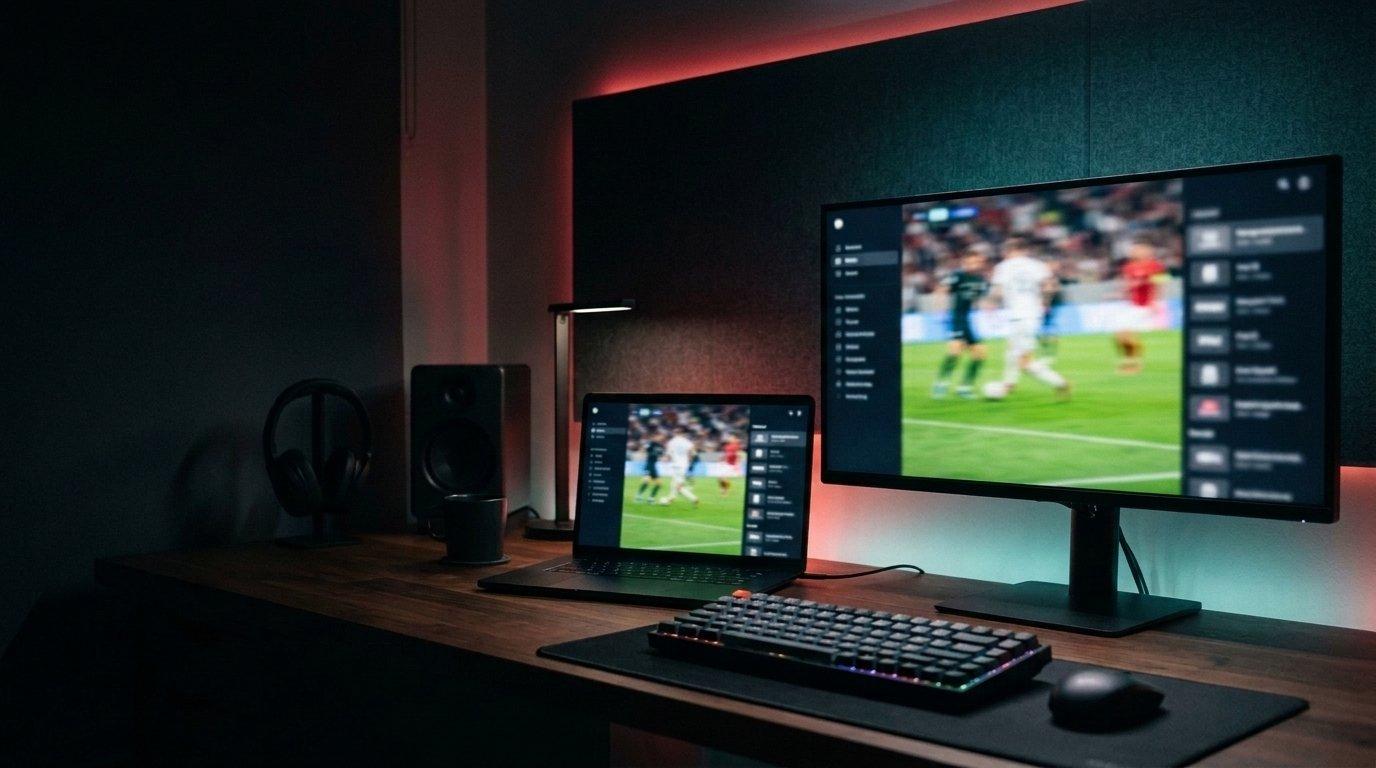
Your computer is a perfectly good IPTV screen, at the office, in a hotel or while the TV is busy. You don't need any special software: a free player and your login are enough. Here are the options, from the fastest to the most complete.
What you need
- A Windows 10/11 PC or a Mac on a recent macOS version.
- A connection of at least 10 Mbps for HD.
- Your login from your Kemo IPTV plan or free trial: Xtream Codes or an M3U link.
IPTV players for PC compared
| Player | Windows | Mac | TV guide | Best for |
|---|---|---|---|---|
| VLC | Yes | Yes | No | Quick test with an M3U link |
| IPTV Smarters Pro | Yes | Yes | Yes | Full experience: live, movies, series |
| MyIPTV Player | Yes | No | Yes | Windows users who like a TV-style layout |
| Kodi | Yes | Yes | Yes (add-on) | Advanced users |
Quick method: VLC
VLC is free, open source and probably already on your computer. It plays an M3U link in seconds.
- 1Open VLC and go to Media > Open Network Stream (on Mac: File > Open Network).
- 2Paste your M3U link and select Play.
- 3Open the playlist (View > Playlist) to browse channels.
VLC is for testing
VLC has no TV guide and loads the whole list at once, which is slow with large playlists. Use it to check that everything works, then switch to a real IPTV player.
Recommended method: IPTV Smarters Pro
- 1Download IPTV Smarters Pro for Windows or macOS from its official website.
- 2Install it and choose Login with Xtream Codes API.
- 3Enter a playlist name, your username, password and server URL.
- 4Live TV, movies, series and the TV guide load automatically.
The menus are the same as on TV and phone; our IPTV Smarters Pro guide explains them.
MyIPTV Player (Windows)
MyIPTV Player is a free Windows app available in the Microsoft Store. Add your M3U link under Settings > Add new playlist and EPG source, then select it as the active playlist.
Kodi (Windows and Mac)
Kodi is a free media center. Install the PVR IPTV Simple Client add-on, add your M3U link and EPG address in its settings, then enable the add-on. It's powerful but takes longer to set up.
Which computer for IPTV?
Any computer from the last few years plays HD without problems. For 4K, use a recent processor, a 4K screen and a wired connection.
One subscription for computer and TV
Your login works on every device, so you can install it on your TV and your computer. A 1-screen plan plays on one at a time; to watch on both at once, choose a multi-screen plan.
Watch tonight's game in 4K
Try it free on your own TV first, then keep it from $5.42 a month on the 12-month plan.
- Activation in minutes
- 24/7 WhatsApp support
- 22,000+ live channels
- 7-day refund policy

Watch on the TV from your computer
Connect the computer to the TV with an HDMI cable and set the display to duplicate. For a permanent setup, a Fire TV Stick is simpler and cheaper (see our Firestick guide).
For a smooth picture on a computer
- Close other streaming tabs and large downloads.
- Plug in an Ethernet cable when possible.
- Check your speed with Fast.com: around 25 Mbps is comfortable for 4K.
Common problems
| Problem | Fix |
|---|---|
| VLC is slow to open the list | Normal with large playlists: use IPTV Smarters Pro instead |
| Smarters won't install on Mac | Allow the app in System Settings > Privacy & Security |
| No TV guide in VLC | VLC doesn't show one: use Smarters Pro, MyIPTV or Kodi |
| Choppy playback | Close other streams, use Ethernet, pick a lower quality |
Frequently asked questions
Can I watch IPTV on a PC for free?
The players are free (VLC, IPTV Smarters Pro, MyIPTV Player, Kodi). You need an IPTV subscription for the channels.
What is the best IPTV player for Windows?
IPTV Smarters Pro for a complete experience with a TV guide, movies and series. VLC is best for a quick test.
Is TiviMate available on PC?
No, TiviMate only runs on Android-based devices. On a PC, use IPTV Smarters Pro or MyIPTV Player.
Which IPTV player should I use on a Mac?
IPTV Smarters Pro for macOS, or VLC for a quick test. Kodi also works on Mac.
Can I watch IPTV in a web browser?
Some players offer web versions, but a dedicated app is more stable, especially for live sports.
Ready to try it on your device?
Start with a free trial, or choose a plan from $5.42 a month.
Read next

IPTV on a Smart TV - Which App to Use and How to Set It Up
IPTV on Fire TV Stick - Install TiviMate or IPTV Smarters in 5 Minutes
IPTV Smarters Pro Subscription - How to Activate It and Use the App

Best IPTV App for Samsung TV in 2026 - Install and Set Up (Tizen)