Best IPTV Box in 2026 - Which Android TV Device to Choose
Key takeaway
For most people, the best IPTV box is a Fire TV Stick 4K Max or a Google TV streamer: cheap, 4K, and compatible with TiviMate and IPTV Smarters Pro. Choose an Nvidia Shield TV Pro for the fastest performance and an Ethernet port. A box doesn't include channels: you add an IPTV subscription.
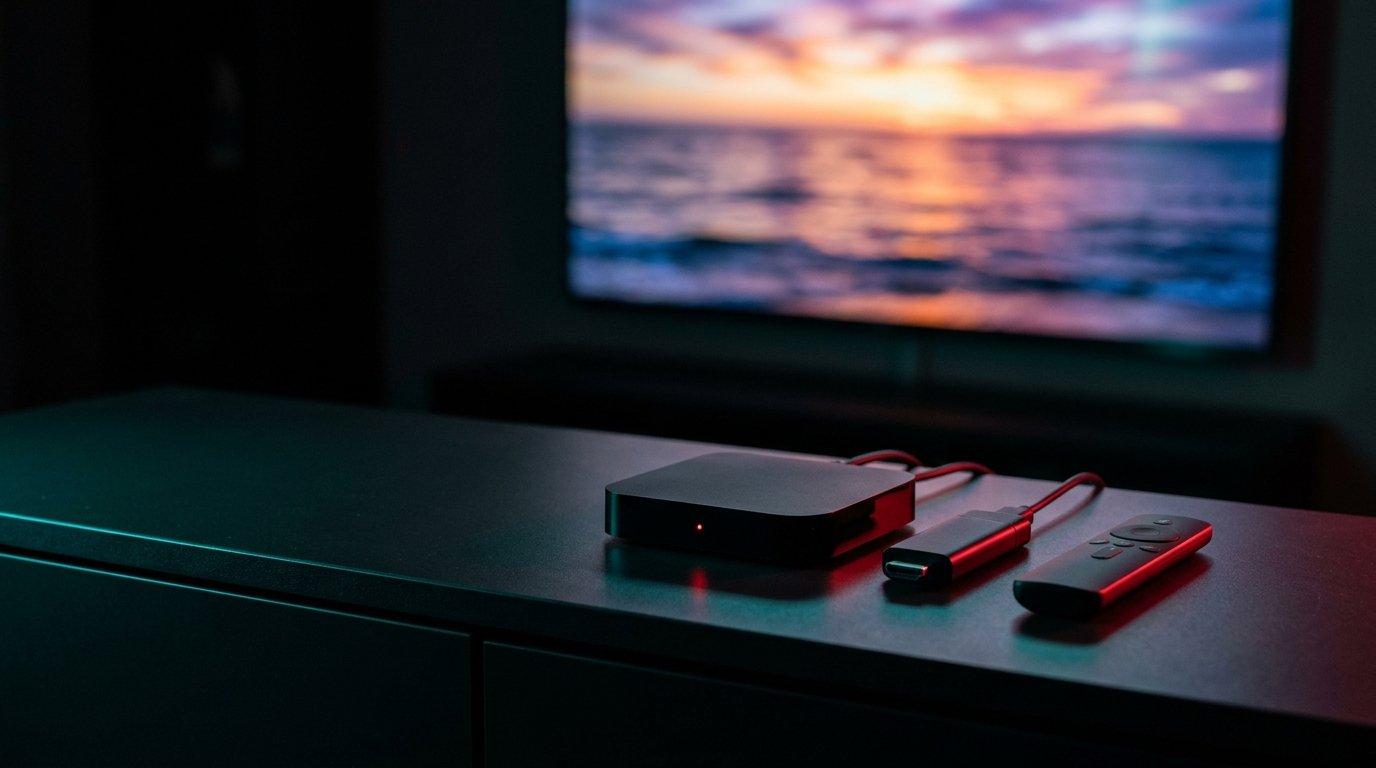
An IPTV box turns any TV with an HDMI port into a smart, fast IPTV player, often faster than the apps built into Smart TVs. But do you need one, and which one? Here's how to decide.
Do you really need a box?
Not always. A recent Samsung or LG Smart TV runs IPTV apps directly (see our Smart TV guide). A box is worth it if:
- Your TV is old or isn't a Smart TV.
- You want TiviMate, which only runs on Android-based devices.
- Your TV's built-in apps are slow.
Stick or box: what's the difference?
| HDMI stick | Android TV box | |
|---|---|---|
| Examples | Fire TV Stick 4K Max | Nvidia Shield TV, Google TV Streamer |
| Price | Lower | Higher |
| Ethernet port | Adapter needed | Usually built in |
| Performance | Good | Better, faster menus |
| Storage | Limited | More room for apps |
What matters
- 4K and HDR if your TV supports them.
- Ethernet port for stable live sports.
- Google Play or Amazon Appstore access, to install apps easily.
- At least 2 GB of RAM for smooth menus.
Our picks
| Device | Type | Why |
|---|---|---|
| Fire TV Stick 4K Max | Stick | Best value, 4K, Wi-Fi 6E |
| Google TV Streamer | Box | Google Play, Ethernet port, simple interface |
| Nvidia Shield TV Pro | Box | Fastest, best 4K upscaling, Ethernet, lots of storage |
| Formuler (Z series) | Box | Designed for IPTV, with its own player app |
Android TV devices are listed on the official Android TV site, and the Nvidia Shield page details its models.
Install IPTV on an Android box
- 1Connect the box to the TV and to the internet (Ethernet if possible).
- 2Install TiviMate or IPTV Smarters Pro from Google Play (or via Downloader on a Fire TV, see our Firestick guide).
- 3Add your Xtream Codes login from your Kemo IPTV plan or free trial.
Watch tonight's game in 4K
Try it free on your own TV first, then keep it from $5.42 a month on the 12-month plan.
- Activation in minutes
- 24/7 WhatsApp support
- 22,000+ live channels
- 7-day refund policy
What budget to plan for?
A Fire TV Stick or Google TV streamer covers most needs at an entry-level price. Only spend more on an Nvidia Shield if you want the best performance or watch mostly in 4K.
Boxes and 4K sports
For live sports in 4K, connect the box with Ethernet and choose the 4K version of the channel. If it stutters, the FHD version is the safe fallback.
Set up your box well
- Set the display resolution to your TV's resolution.
- Turn on match frame rate if available, for smoother sports.
- Restart the box once a week and keep apps updated.
One box per TV
Each TV needs its own box or stick. To watch on several TVs at once, choose a multi-screen plan.
Frequently asked questions
What is the best IPTV box?
The Fire TV Stick 4K Max or a Google TV streamer for most people; the Nvidia Shield TV Pro for the best performance.
Does an IPTV box include channels?
No. A box is just a device. The channels come from your IPTV subscription, added in a player app with your login.
Android box or Smart TV: which should I choose?
A recent Smart TV is enough for most people. A box is faster, runs TiviMate and is useful on older TVs.
Does an IPTV box work on Wi-Fi?
Yes, but Ethernet is more stable for live sports and 4K. Use 5 GHz Wi-Fi if you can't wire it.
Can I use an IPTV box on an old TV?
Yes, as long as the TV has an HDMI port. The box does all the work.
Ready to try it on your device?
Start with a free trial, or choose a plan from $5.42 a month.
Read next

How to Choose an IPTV Subscription - 7 Things to Check (2026 Guide)
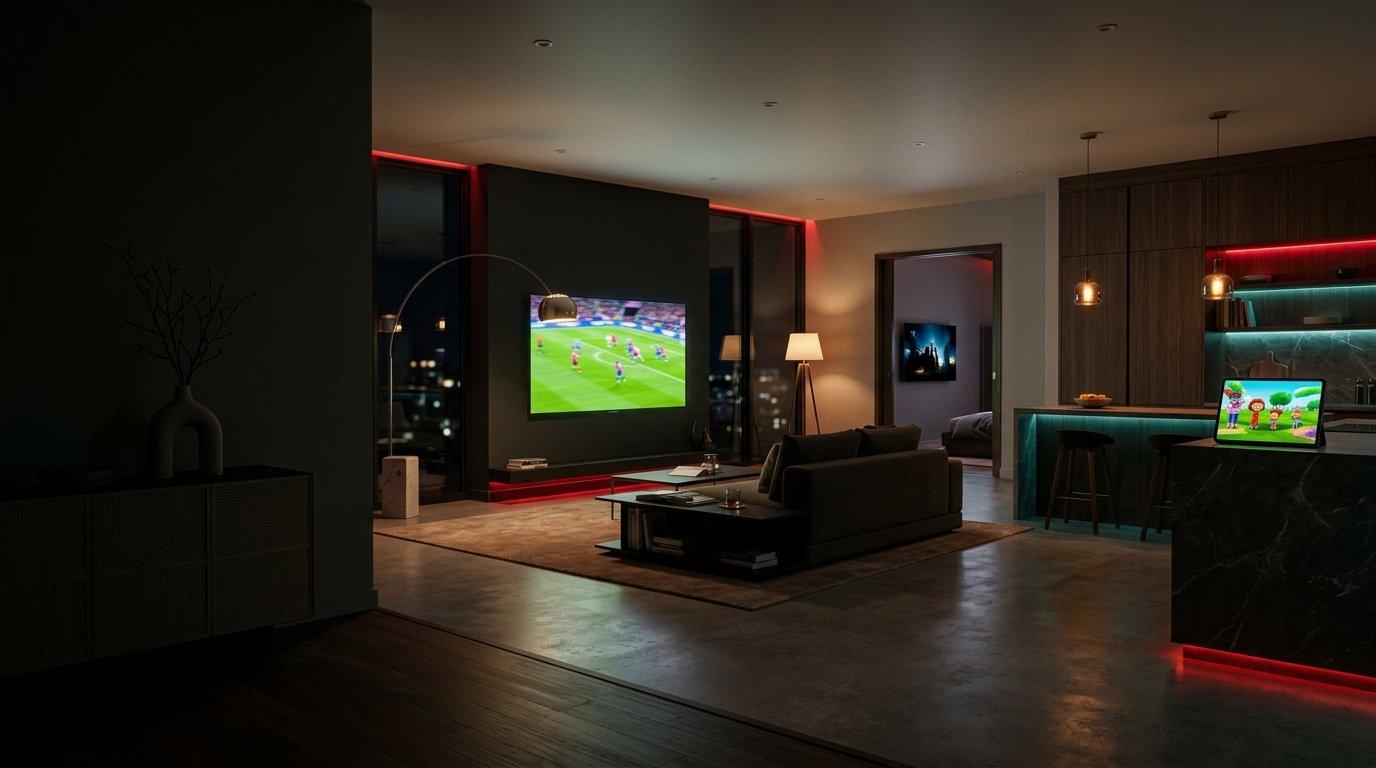
Multi-Screen IPTV - Watch on Several TVs at the Same Time
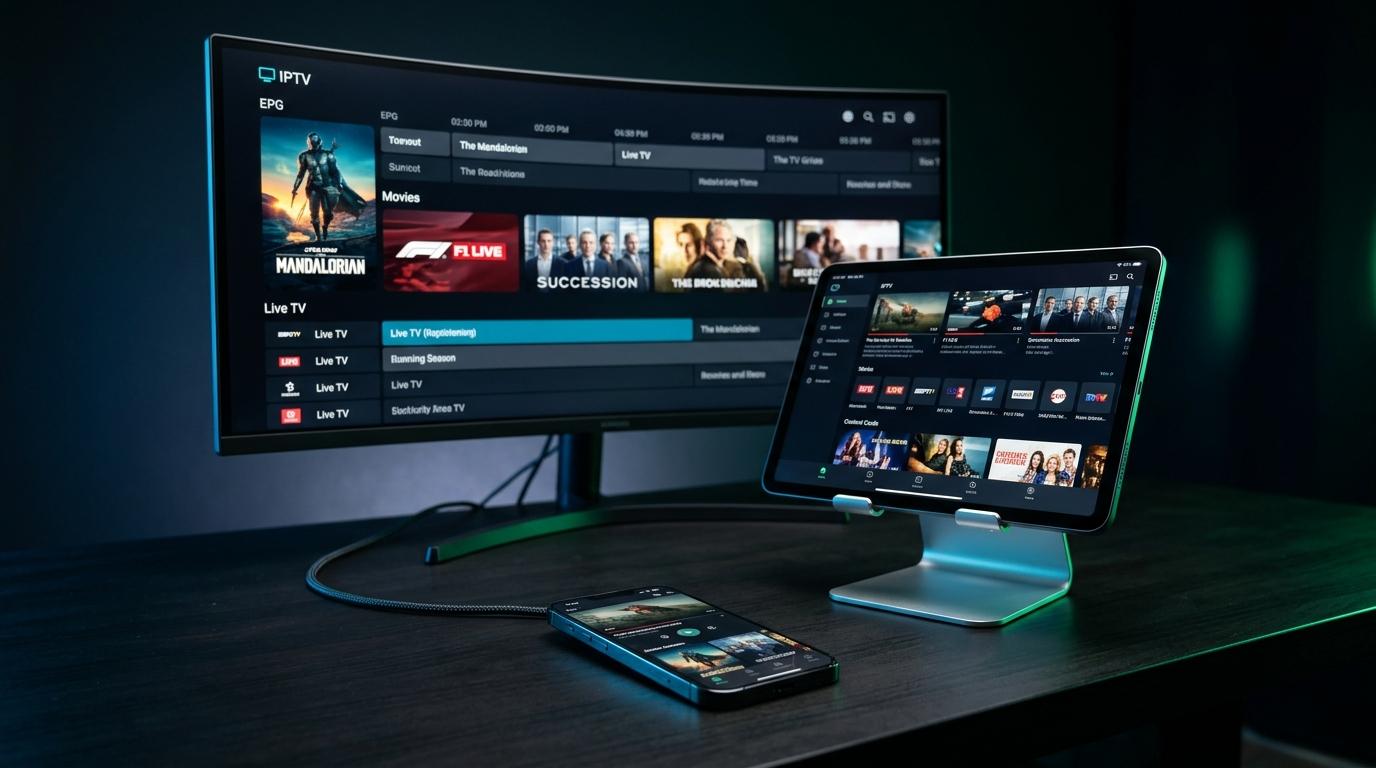
Best IPTV App in 2026 - TiviMate, Smarters, IBO Player Compared

IPTV on a Smart TV - Which App to Use and How to Set It Up